
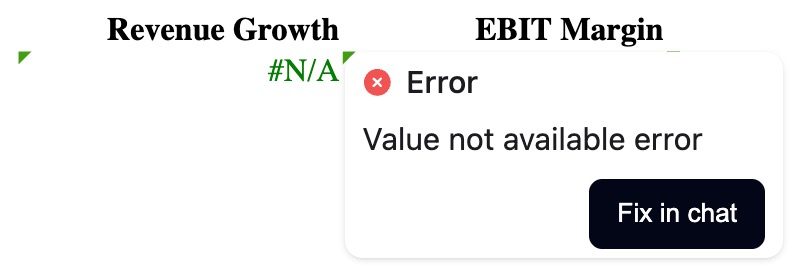
Fix Error
Hovering over any spreadsheet error and clicking Fix in chat sends the relevant context to the agent, which can then trace the root cause and make appropriate corrections.
Visualize
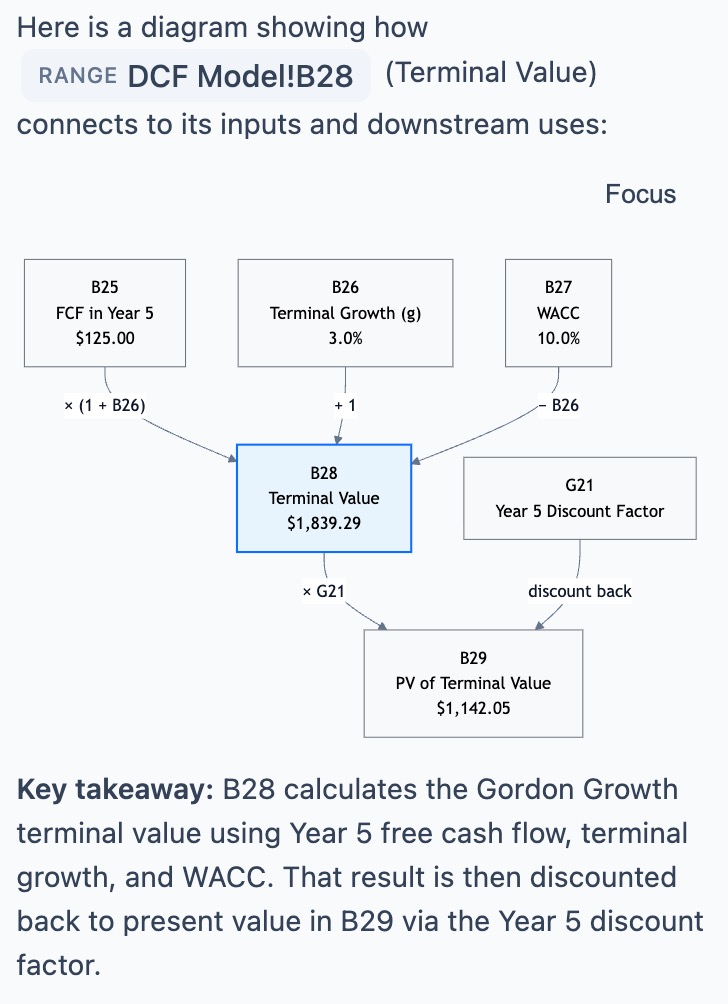
Sometimes a picture is worth a thousand words, especially when you inherit someone else's model and need to trace logic across multiple formulas, sheets, or even workbooks. Right-clicking any cell or range and selecting Quick Actions > Visualize this range prompts the agent to map the logic flow. Further prompting can direct the agent to zoom in on a specific area of the flow or explain a specific calculation.
Explain
For a written walkthrough, instead of a diagram, right-clicking any range and choosing Quick Actions > Explain this range will yield a clear explanation from the agent.